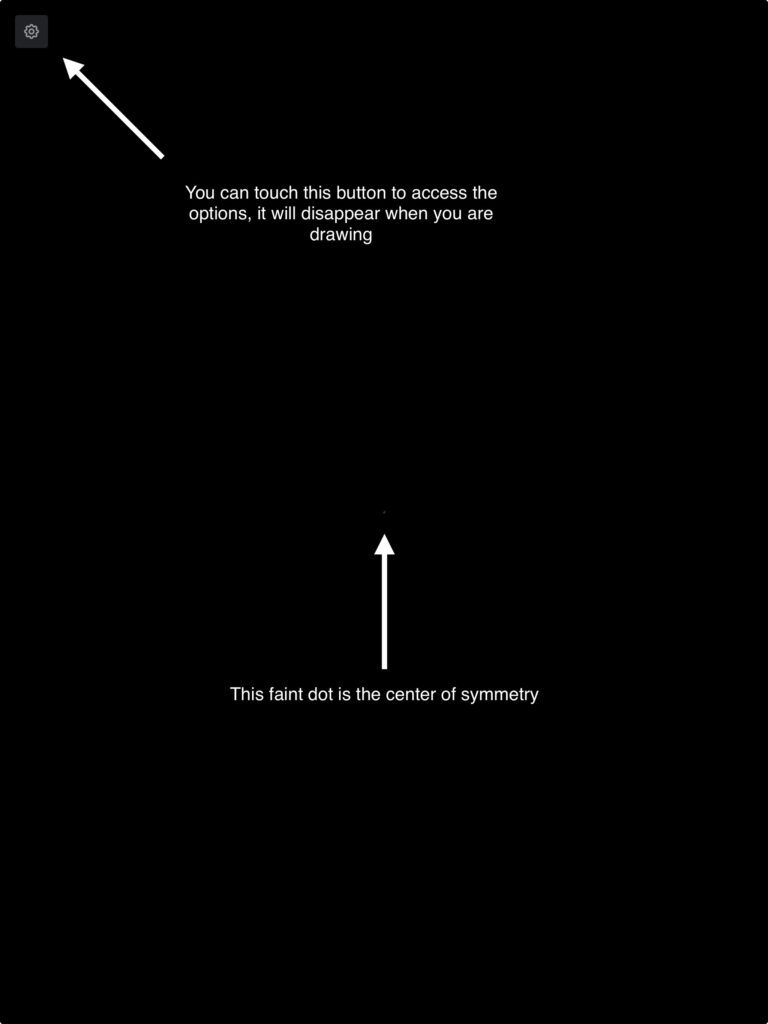
You can start drawing soon as you can see the settings icon.
The center of symmetry is materialized by a dot that will disappear along the settings icon as soon as you start drawing.
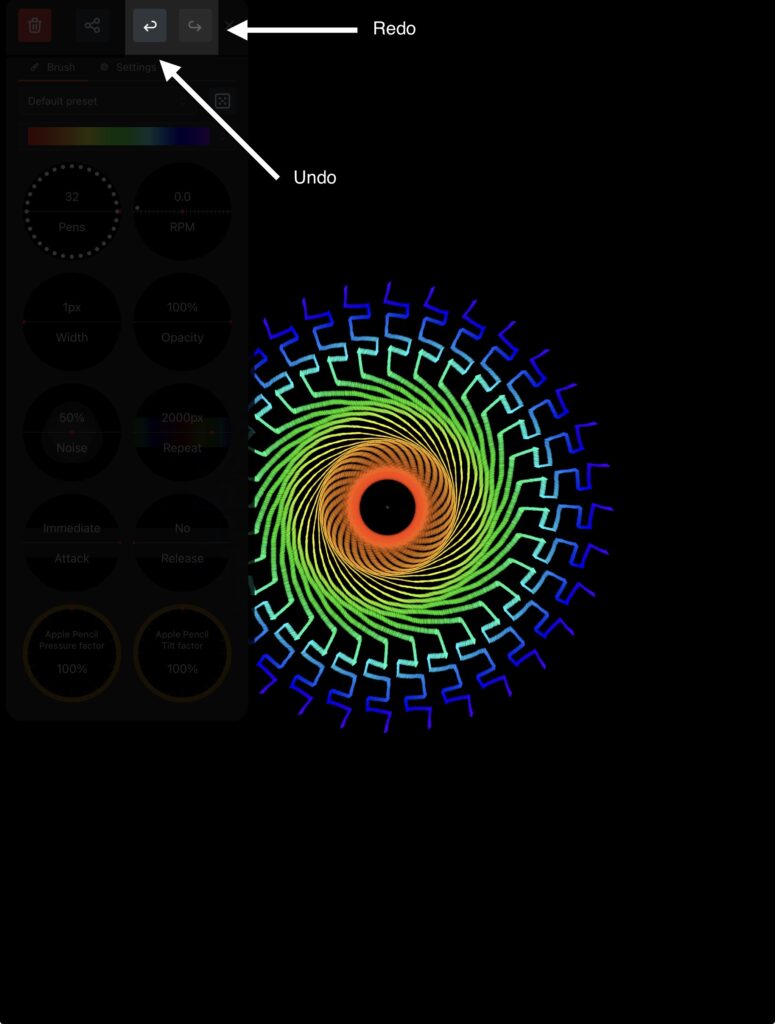
You can undo and redo up to ten operations.
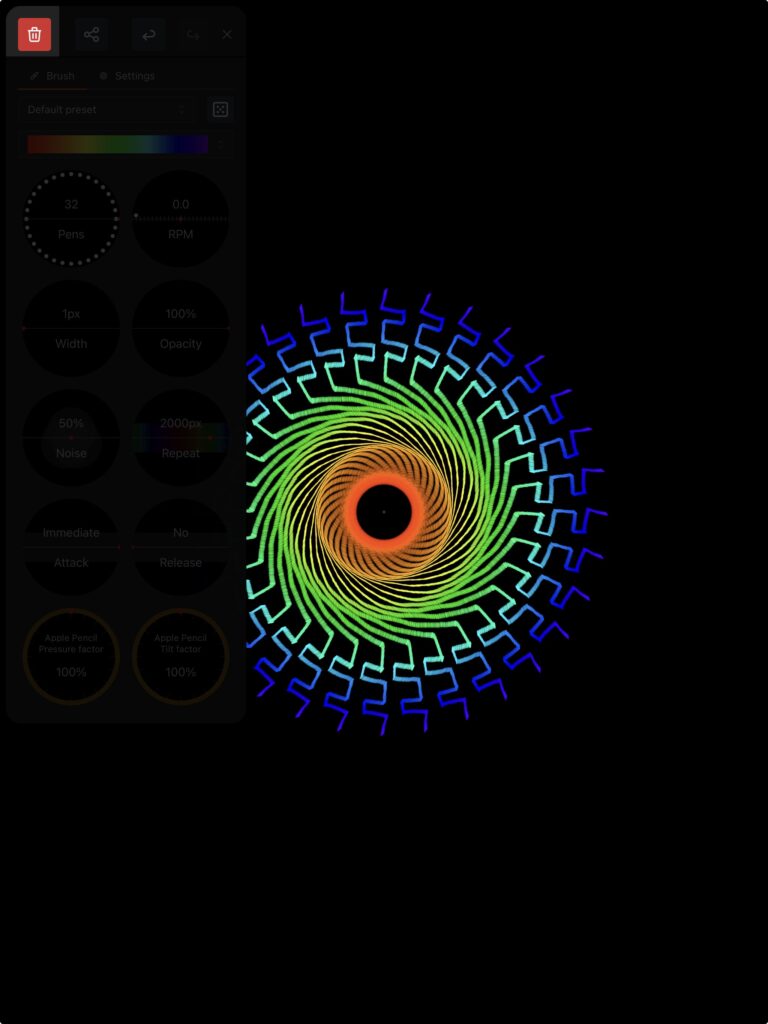
If you want to start anew, you can use the red trashcan icon to erase your canvas. You will be able to undo that operation.
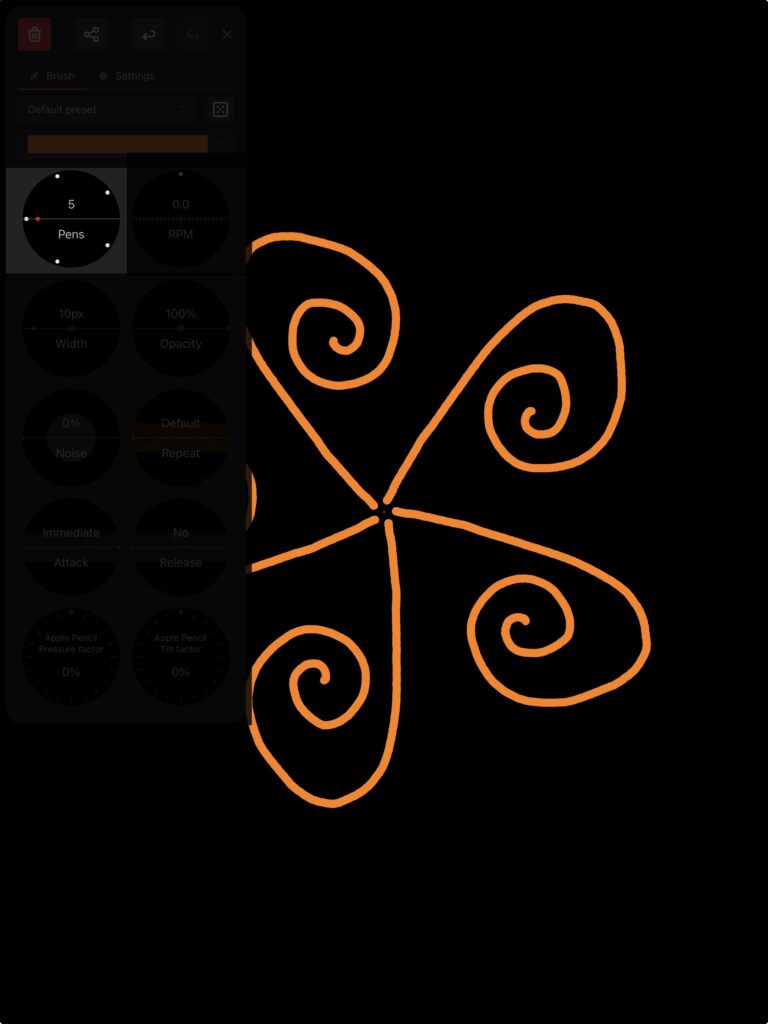
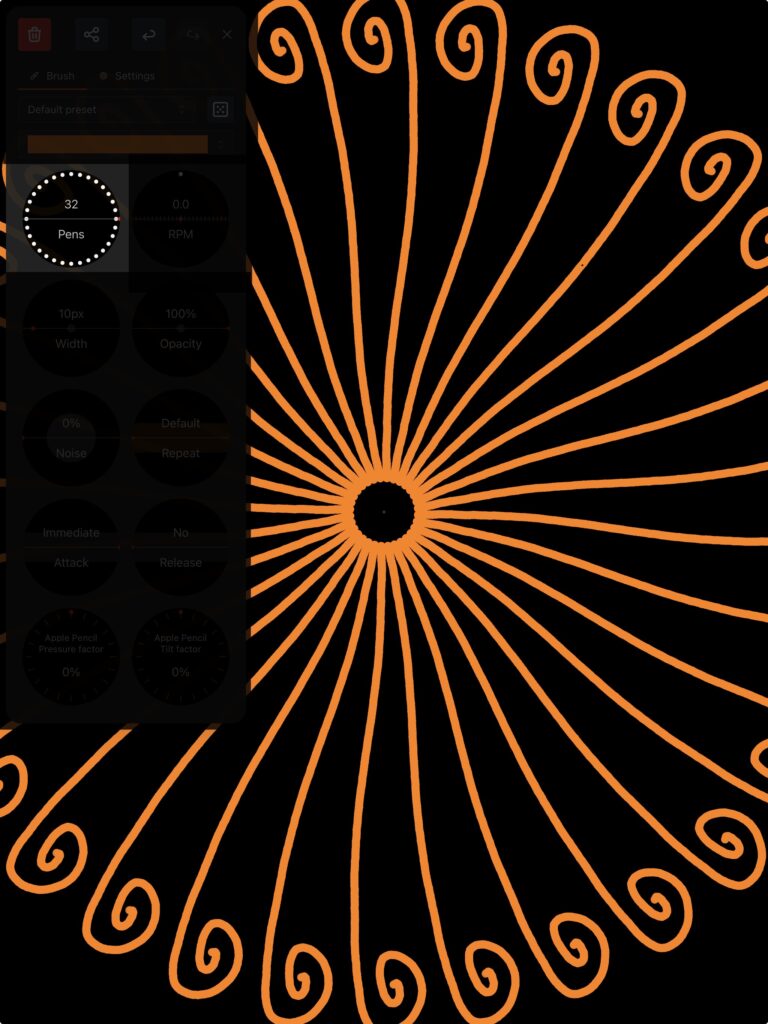
This is where the magic happens! You can replicate you stroke using virtual pens that will evenly repeat around a circle. Some effects look great with fewer pens and others amazing with more, experiment to find out your preferences!
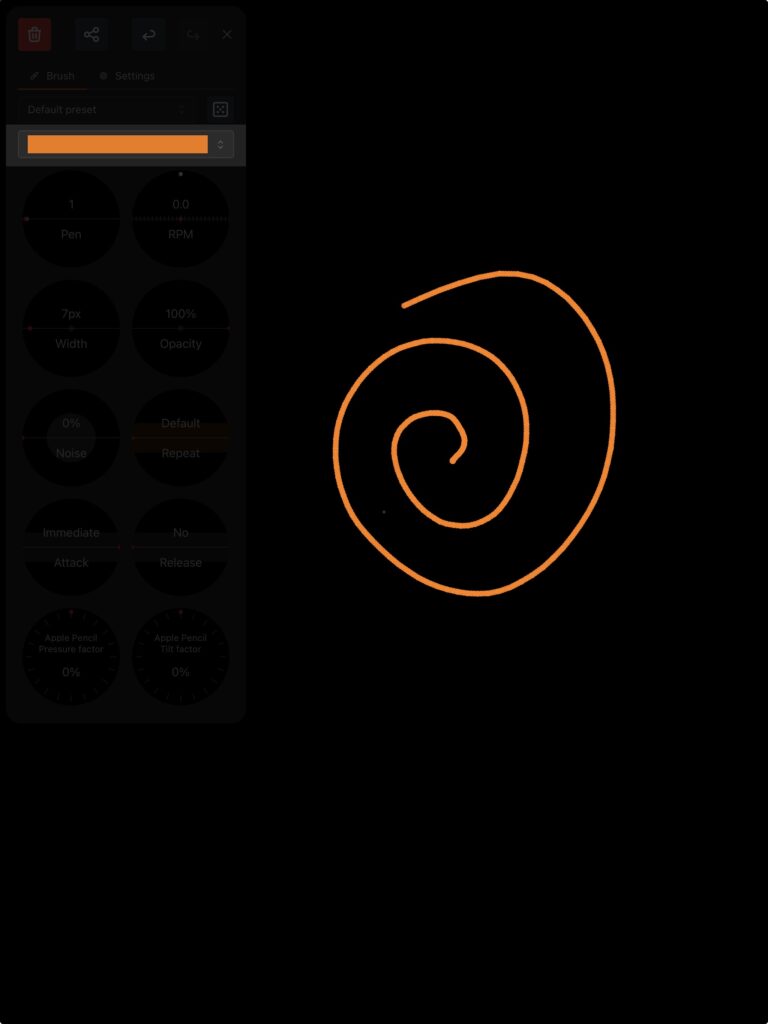
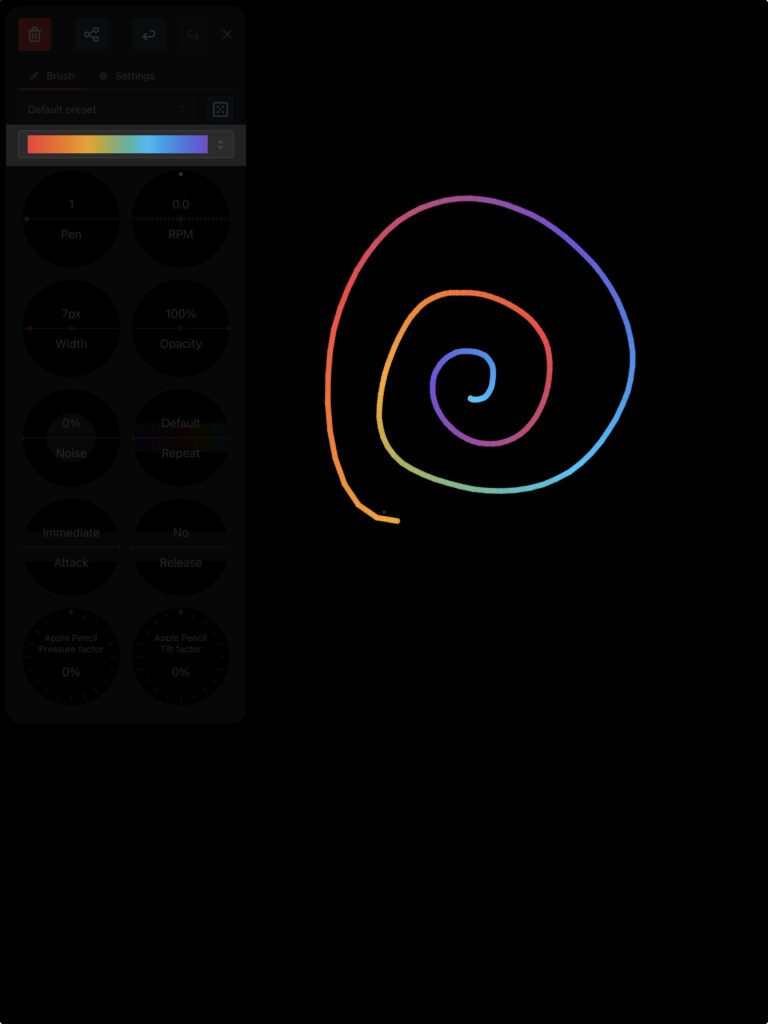
You can select a color or a gradient from the ones available in this palette.
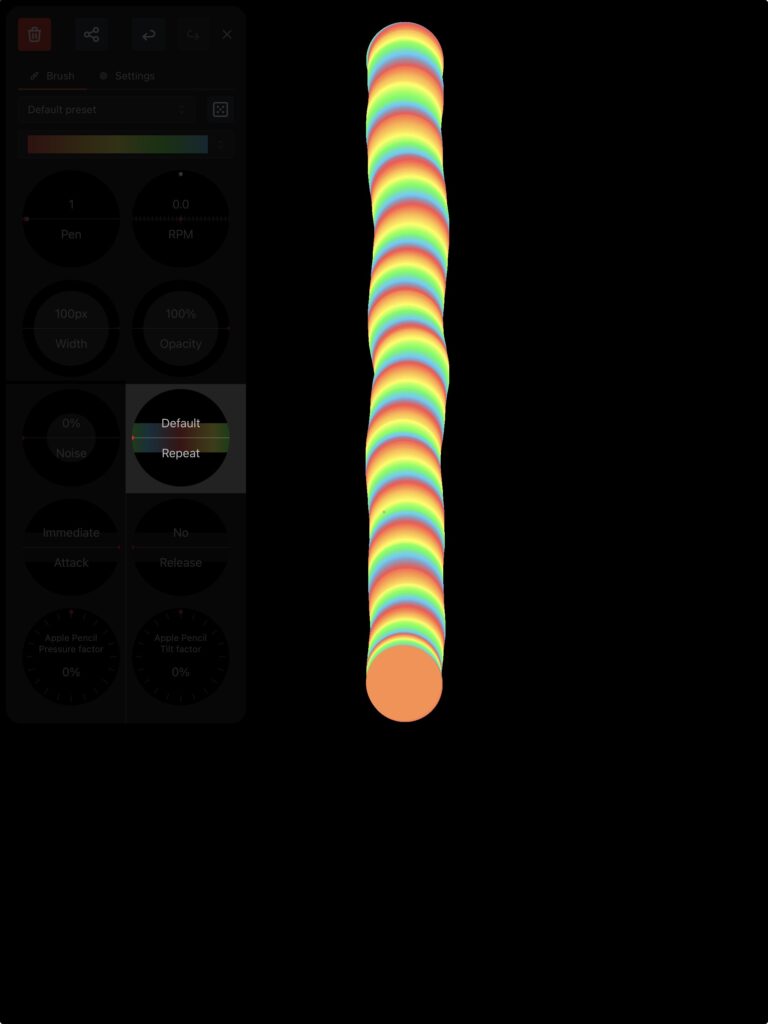
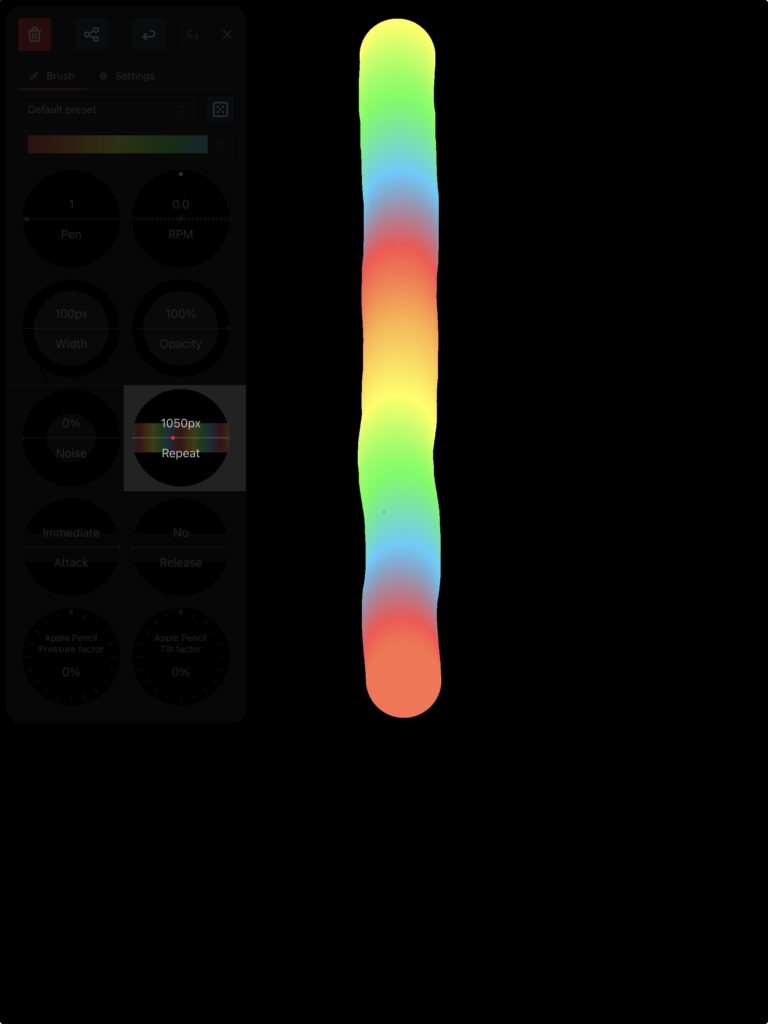
By default, the color will change for each stroke or change of pressure if you’re using a compatible pencil, regardless of the length of the stroke. You can easily decide how fast the colors repeat using this setting.
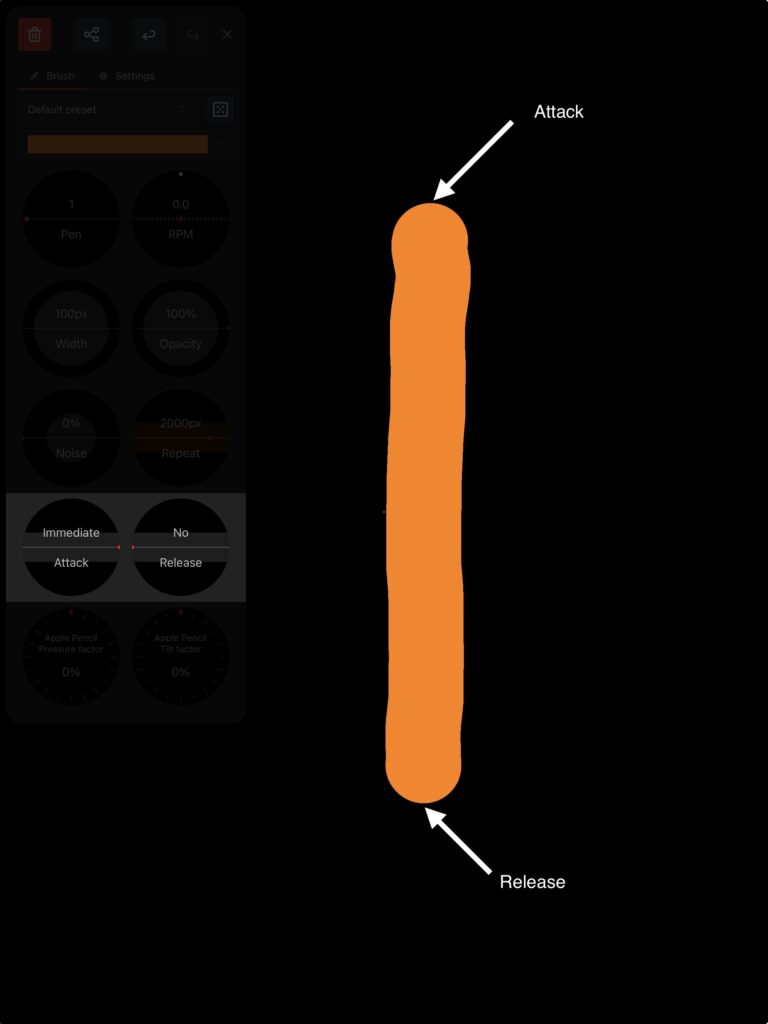
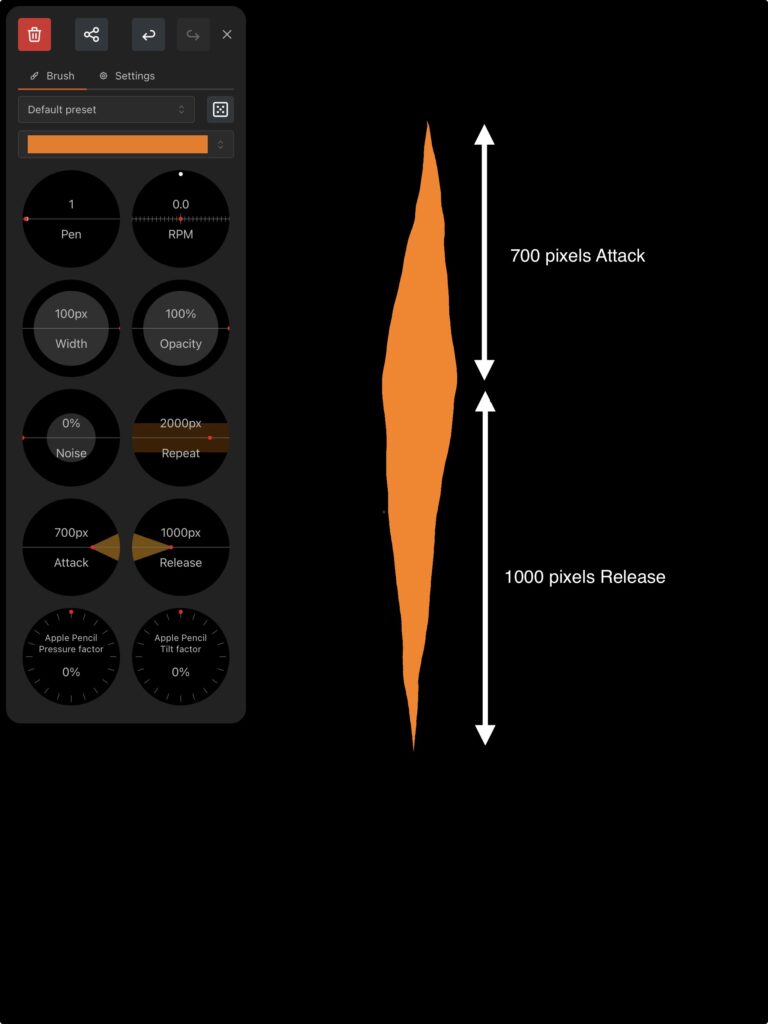
You can edit how fast your stroke starts or ends, the length is given in pixels. Don’t hesitate to match the gradient repeat speed to the length of your stroke!
If you need more help, you can contact us using this form: